

Click on the "Login/Register" button
Go to the top right corner of the page (if you haven't logged in), click on the "Login/Register" button to go to Log In page first.
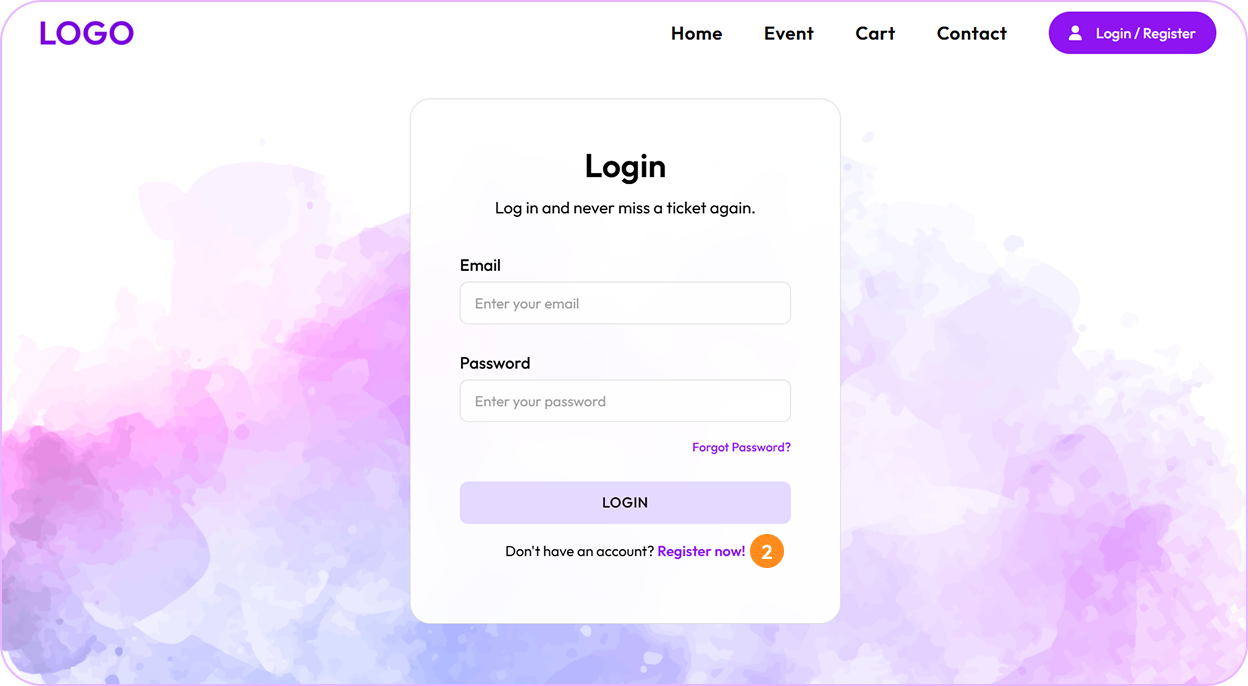
Click the "Register Now" button
On the login page, look for the "Register now!" link at the bottom of the form and click on it.
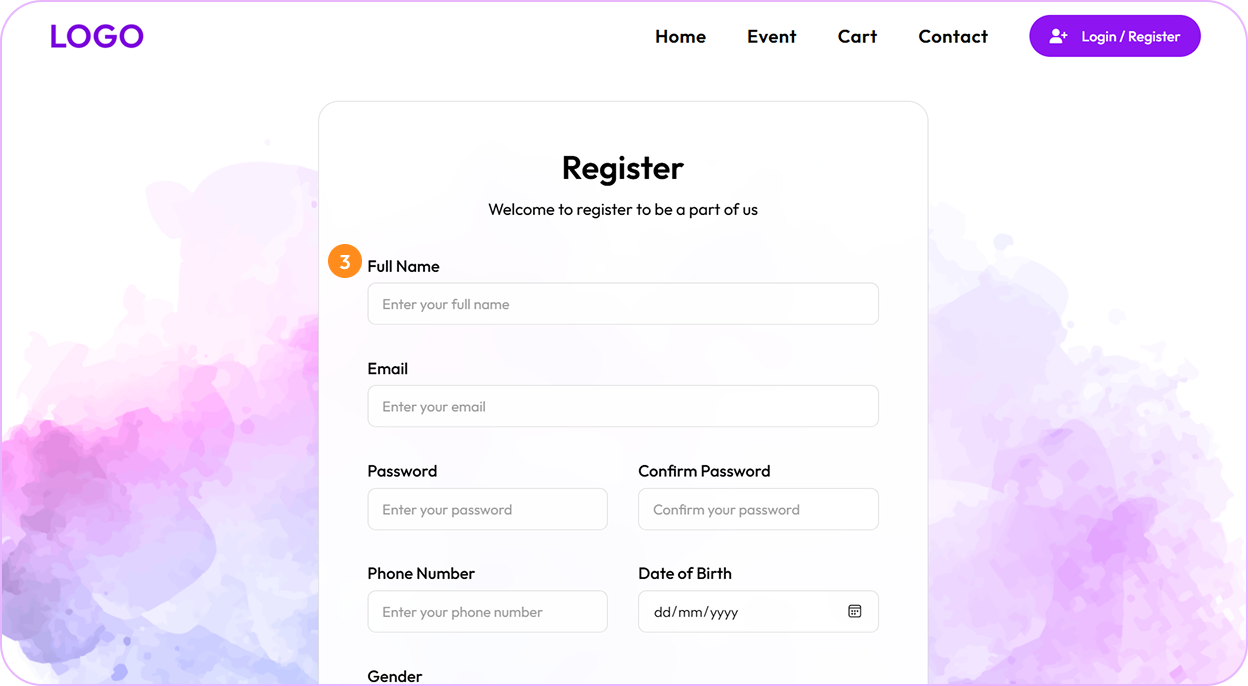
Fill in your information
Complete the registration form with your personal details including name, email, and password.
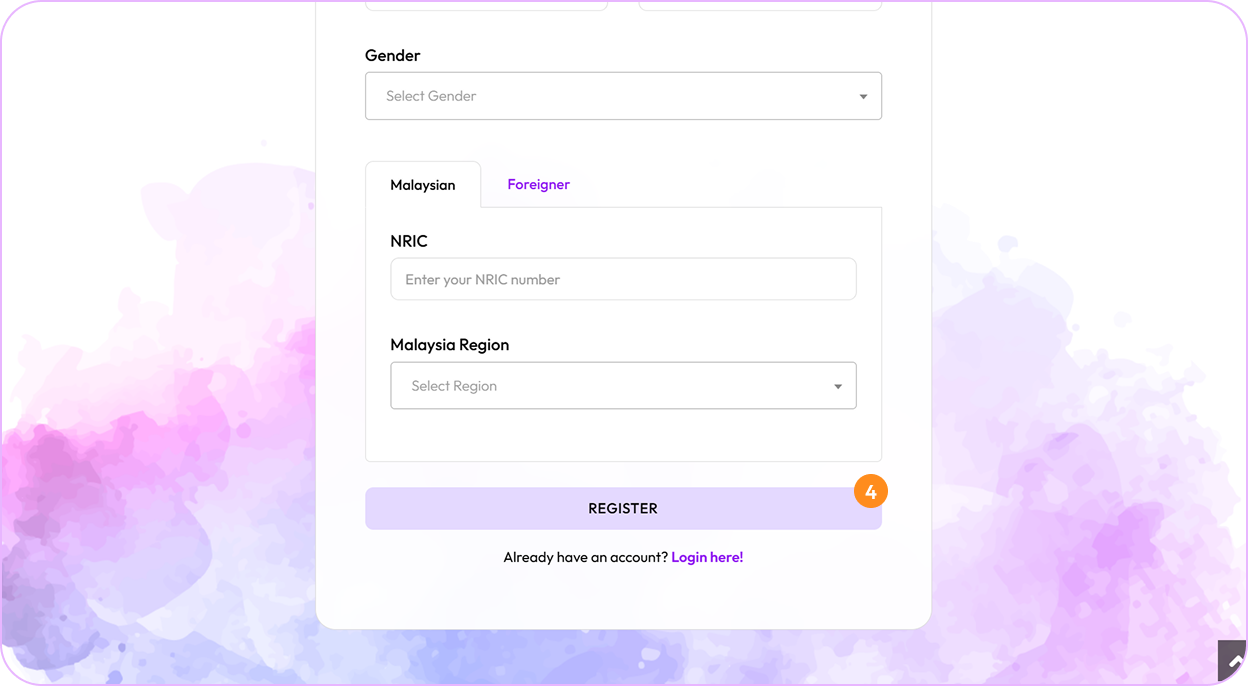
Click the "Register" button
After filling in all required information, click the "Register" button to create your account.
Log in to your account
Once your account is created, you can log in using your email and password to start booking tickets.
