1
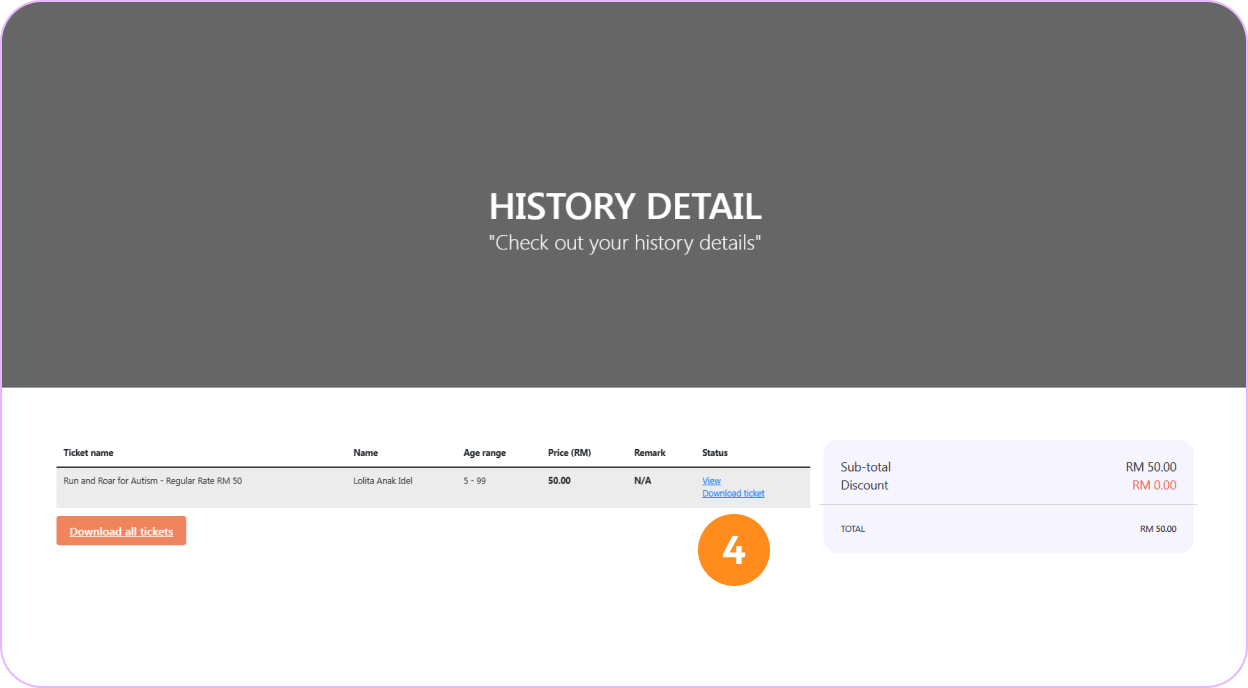
Log in and go to your profile page
Click the "Login/Register" button at the top of the page, sign in with your registered account, then go to your profile page.
2
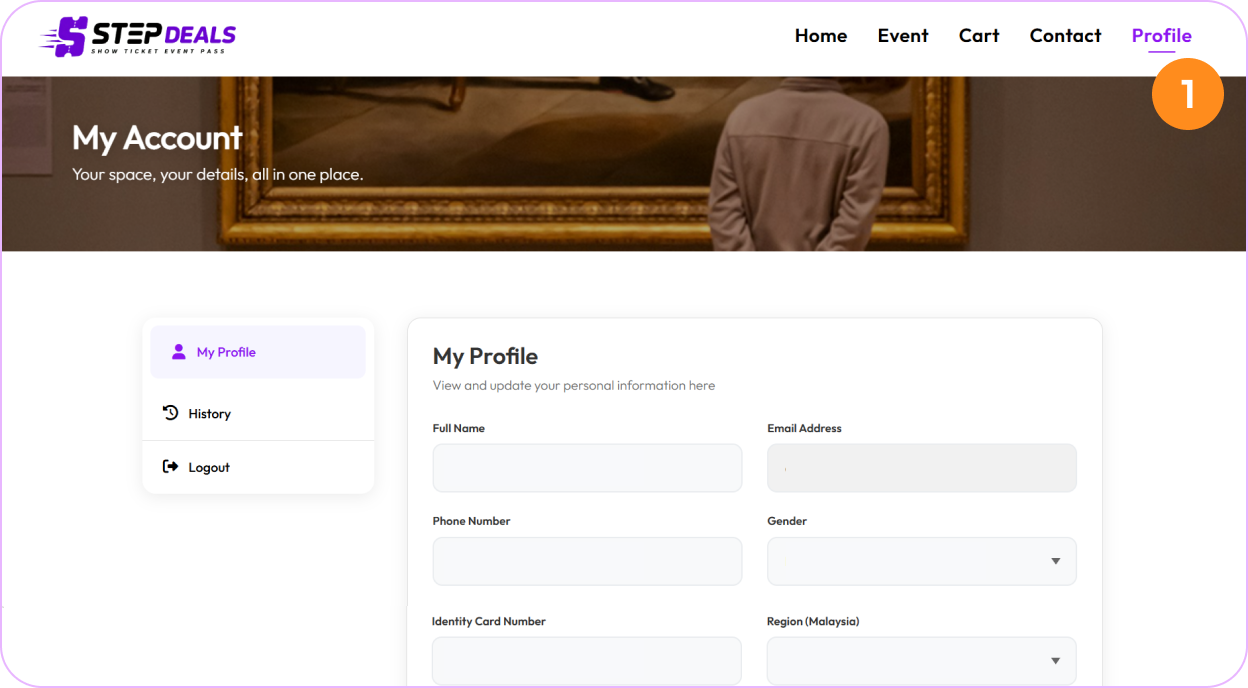
View your purchase history
From your profile page, open your purchase history to view your orders.
3
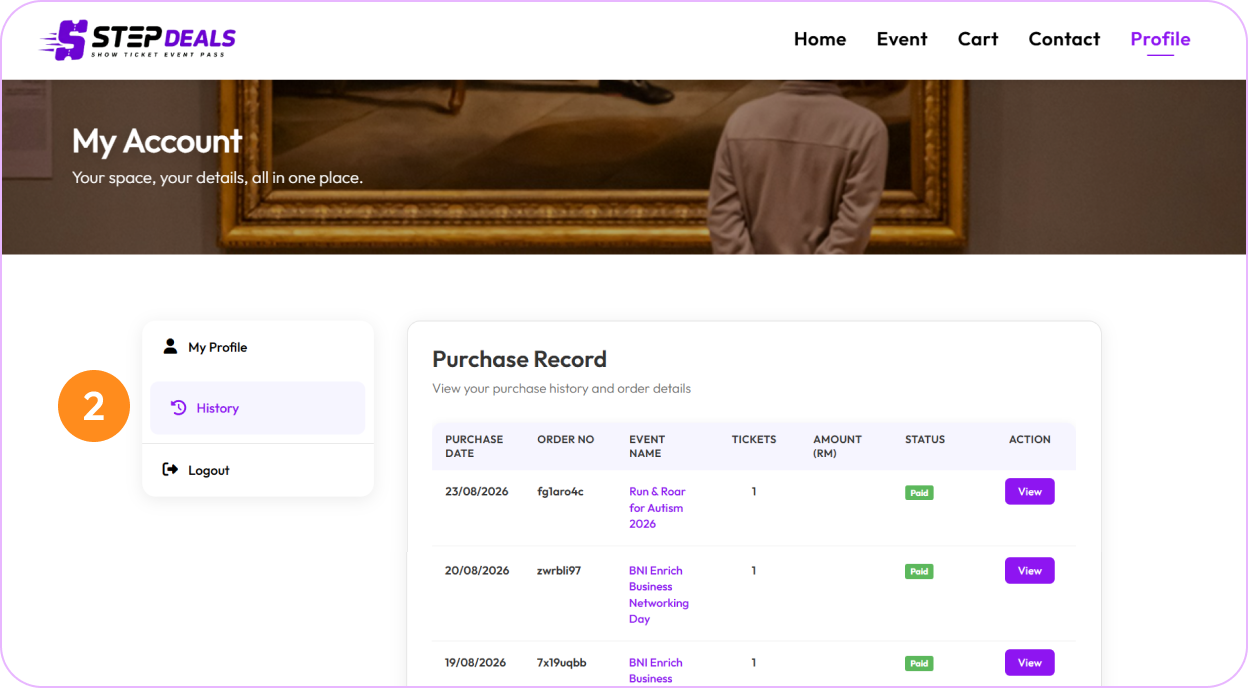
Find your paid order
Locate the event order in your purchase history, then click the "View" Button.
4
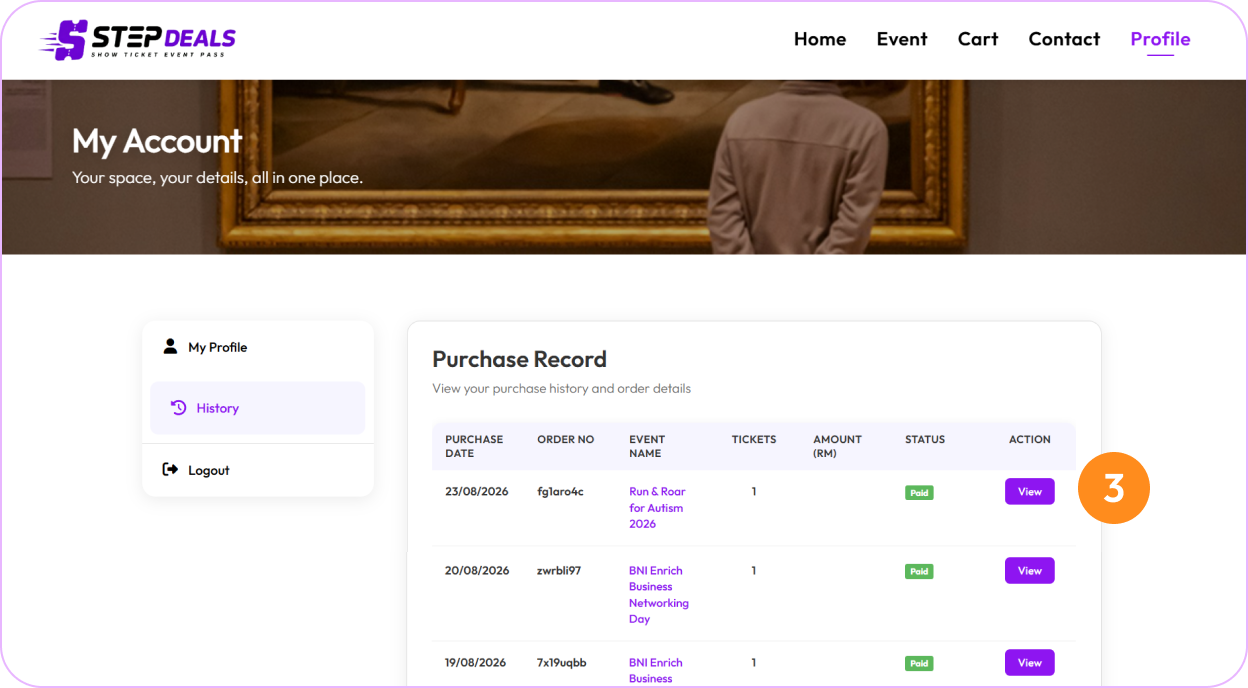
View or download your ticket
Click "View Ticket" button to view your ticket QR code or click "Download Ticket" button to download your ticket for event entry.